Dryer Drum Not Spinning
Confirm power, controls, door closure and load condition before treating a stationary drum as an internal drive failure.
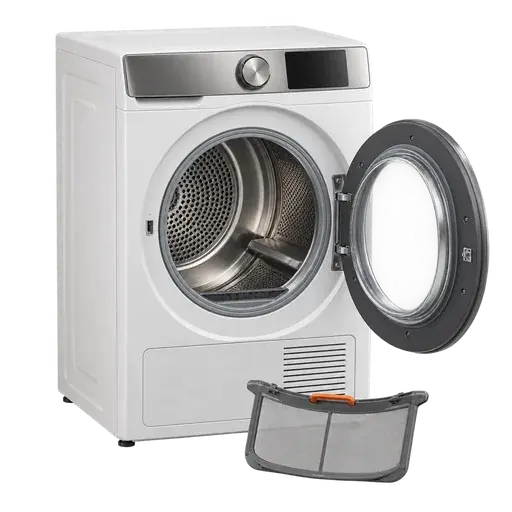
Keep guards, panels and safety devices in place. Stop whenever the next action needs tools, live testing, disconnection or access beyond the owner's manual.
Checks you can safely make
- Check the control response
Open the door and note whether the light or display works, then close it firmly. Select a timed cycle and hold Start for the duration stated in the model manual.
- Clear lock and delay modes
Look for Control Lock, Delay Start, Pause or an error message. Cancel the mode using the printed model instructions rather than repeatedly pressing Start.
- Reduce the load
Remove heavy, tangled or waterlogged items and retry briefly with the drum empty. Stop immediately if the motor hums, the cabinet shakes or there is a hot smell.
- Observe without reaching inside
Listen for a motor sound and watch whether the timer changes. Do not try to turn the drum by hand while power is connected or defeat the door switch.
Common questions
Can an overloaded dryer stop the drum?
A very heavy or tangled load can prevent normal starting on some machines. An empty retry distinguishes load resistance from a persistent drive fault.
Should I turn the drum by hand to test the belt?
Not with the appliance connected. Belt and drive diagnosis requires cabinet access and should be left to a technician.
Sources and review basis
This guide limits itself to visible, non-invasive checks and uses current manufacturer or public-safety guidance.