A decision you can check
- 01
Choose field and border
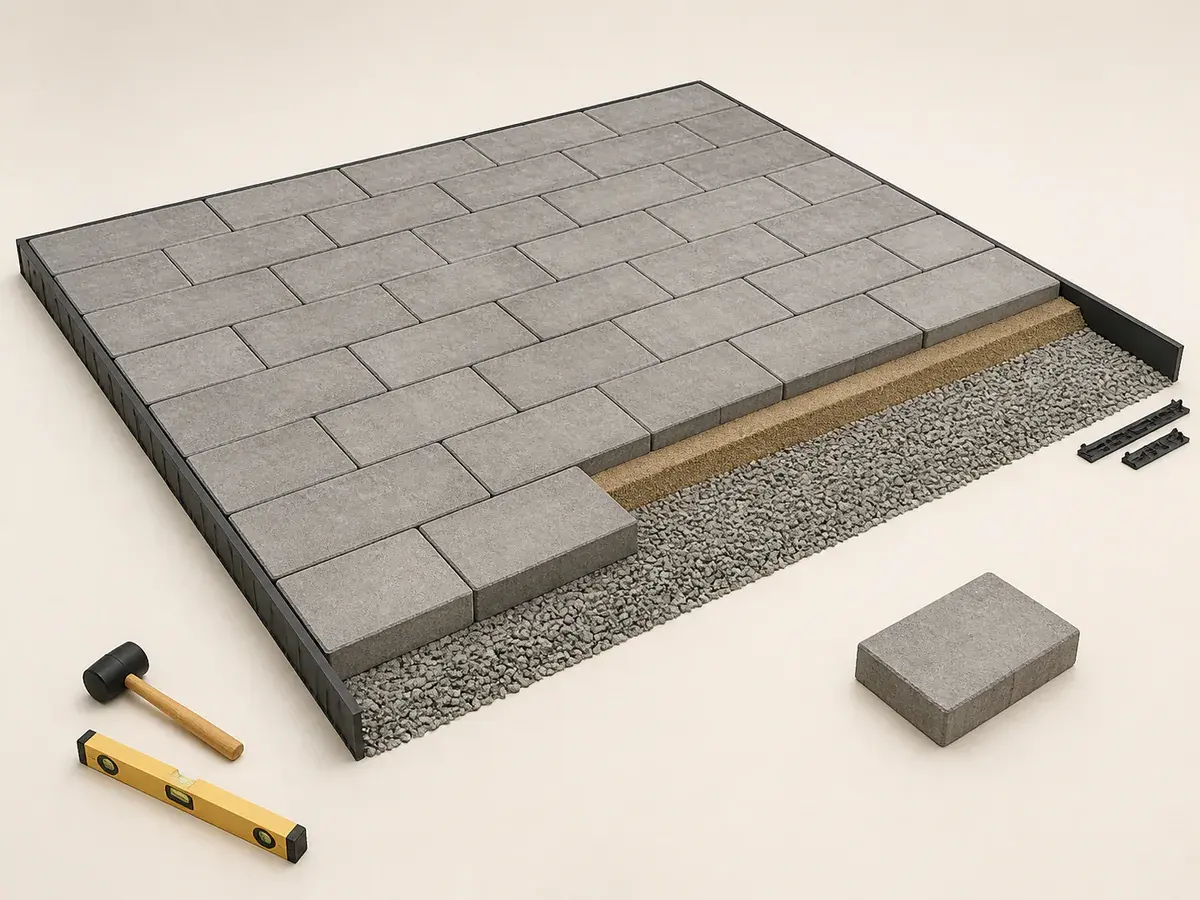
Draw the laying pattern, border courses and focal alignment before counting units. Mixed-size sets should use the packaged pattern coverage.
- 02
Mark every cut edge
Count curves, steps, drains, columns and angled boundaries. Long straight edges usually generate more reusable offcuts.
- 03
Use actual packaged coverage
Verify paver dimensions, spacer tabs and pallet coverage. Nominal dimensions may represent the installed module rather than measured face size.
- 04
Retain matching replacements
Store a small labelled set for units damaged by stains, settlement repairs or future utility access.
Make the allowance explainable
Waste for field pavers does not include base aggregate, bedding sand or jointing material.
A soldier-course or contrasting border changes the field dimensions and must be counted separately.
- Choose field and border
- Mark every cut edge
- Use actual packaged coverage
- Retain matching replacements
Keep related materials separate
Cut quality and minimum piece size influence whether offcuts are truly reusable.
Use the Paver Calculator to test alternatives without changing the original site measurement. Adjust one assumption at a time—such as package coverage, layout allowance or product size—so the effect on the pavers order remains understandable.
Buy from the final specification
Check the final pavers quantity or capacity against exact product data, available purchase units and the supplier return policy. Record any lot, colour or matching-spare requirement that truly applies, but do not keep material that cannot be stored safely or usefully. Confirm installation requirements before delivery.
What usually throws the order off
- Combining paver, bedding and base depth
- Calculating only the visible field without edge support
- Using straight-layout waste for curves or diagonal patterns
- Counting mixed-size sets from one unit dimension
Frequently asked questions
Is a larger pavers result automatically safer?
No. Apply only the quantity adjustment supported by layout, handling, product guidance, site conditions and final purchase units. Excess can raise cost, handling and disposal without improving the project.
Can one default allowance fit every project?
No. Treat defaults as early planning inputs, then replace them after reviewing the actual pavers geometry, selected product data, installation method, site conditions and purchase increments.
When should a qualified installer or supplier confirm the final order?
Before the order becomes non-returnable and again after site conditions or design details change. Reconcile the measured takeoff with the selected product and planned installation method.
Technical references
These references support the measurement and planning method. Product instructions, the site and applicable local requirements control the final installation.