A worked calculation you can check
- 01
Write the measured scope
Bricks for 1,000 Sq Ft of Veneer begins with a visible, checkable scope: Verified net veneer area: 1,000 sq ft; Modular planning rate: 6.86 bricks per sq ft; Allowance: 10%. Keep the units beside every dimension so feet, inches, square feet and purchase coverage cannot be mixed silently.
- 02
Run the unrounded arithmetic
The base quantity is 1,000 × 6.86 = 6,860 bricks. Applying 10% gives 7,546 bricks.
- 03
Convert to complete bricks from compatible production lots
Use 7,546 bricks as the arithmetic baseline, then round to supplier cube quantities and preserve lot/blend requirements. Round only after the final division, then reconcile the number with the sizes or increments the supplier actually sells.
- 04
Test the result against the real project
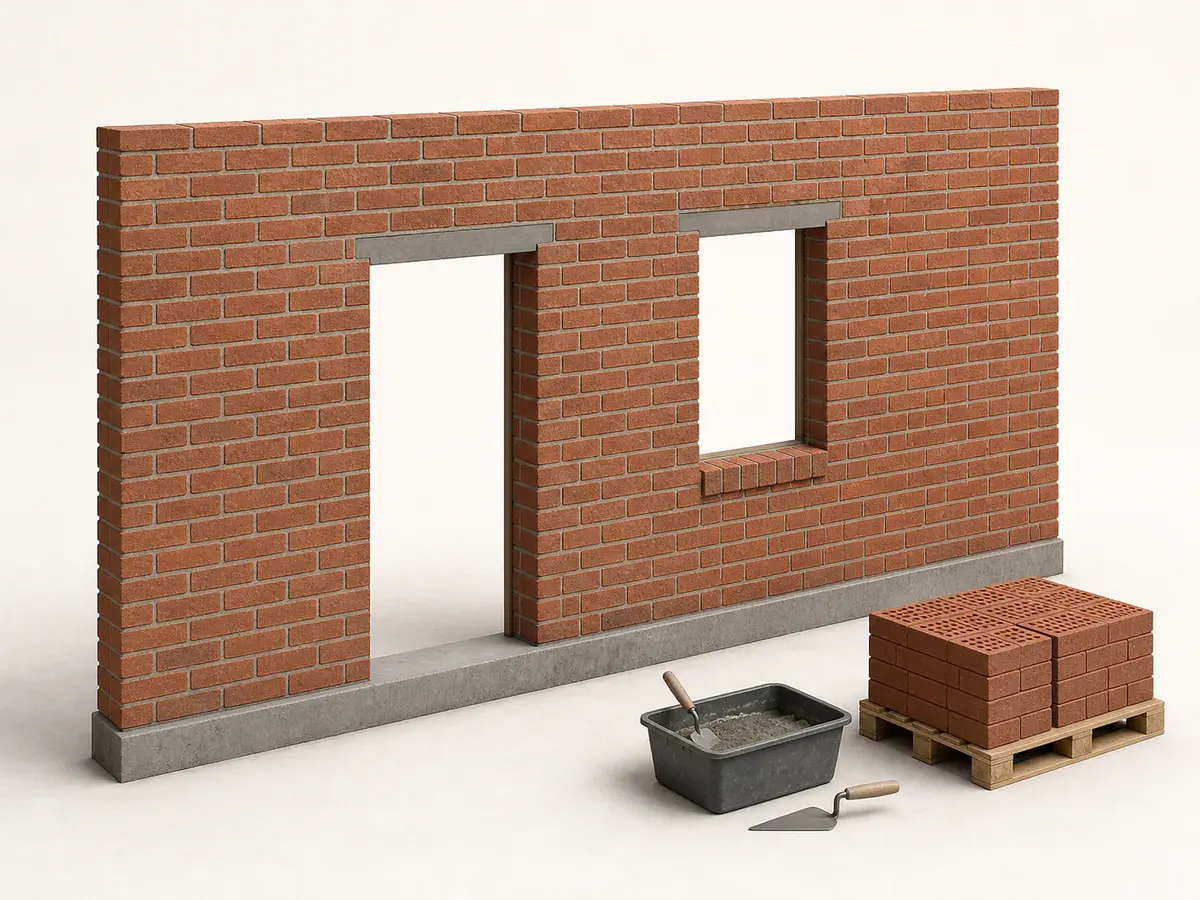
Break the elevation into walls and reconcile corners, piers, sills and openings; a single thousand-square-foot total can conceal special units concentrated on one façade. Use the exact brick's nominal module with mortar joint, bond pattern, corner units, cuts and a project-specific waste allowance.
Worked inputs and arithmetic
Turn 1,000 measured sq ft of net veneer field into modular brick quantity with a 10% allowance.
The base quantity is 1,000 × 6.86 = 6,860 bricks. Applying 10% gives 7,546 bricks.
- Verified net veneer area: 1,000 sq ft
- Modular planning rate: 6.86 bricks per sq ft
- Allowance: 10%
What can change this answer
Break the elevation into walls and reconcile corners, piers, sills and openings; a single thousand-square-foot total can conceal special units concentrated on one façade.
Brick count does not design support, ties, flashing, drainage, lintels, movement joints, mortar or structural capacity.
- The net area must already account for large openings without erasing their perimeter details.
- Brick size, joint thickness and bond determine the real units-per-square-foot rate.
- Scaffolding, support and weather protection affect project planning but not this field-unit formula.
Turn the example into your own order
Open the Brick Calculator, enter the dimensions from your site and replace the example coverage, yield, density, waste, package size or capacity with the exact value that applies to your modular brick quantity choice. Save the first measured result before testing alternatives so the reason for every change remains visible.
Use the exact brick's nominal module with mortar joint, bond pattern, corner units, cuts and a project-specific waste allowance. Brick count does not design support, ties, flashing, drainage, lintels, movement joints, mortar or structural capacity.
What usually throws the order off
- Copying the bricks for 1,000 sq ft of veneer result without matching all three inputs
- Rounding every dimension before the modular brick quantity calculation
- Ignoring the buyable complete bricks from compatible production lots after the arithmetic
- Using extra modular brick quantity as a substitute for the site and product checks
Frequently asked questions
Can I use the bricks for 1,000 sq ft of veneer answer for a slightly different project?
Use it only as a reasonableness check. Enter your own dimensions and assumptions in the Brick Calculator; small changes in depth, height, repeat, pitch, coverage or capacity adjustment can alter the rounded purchase unit.
Why does the final number round up?
Complete bricks from compatible production lots are not normally purchased as the exact decimal produced by division. Round the final requirement to the next available unit, then document any remaining matching stock instead of hiding it as vague waste.
What should I verify before buying?
Use the exact brick's nominal module with mortar joint, bond pattern, corner units, cuts and a project-specific waste allowance. Also verify this project boundary: Brick count does not design support, ties, flashing, drainage, lintels, movement joints, mortar or structural capacity.
Technical references
These references support the measurement and planning method. Product instructions, the site and applicable local requirements control the final installation.