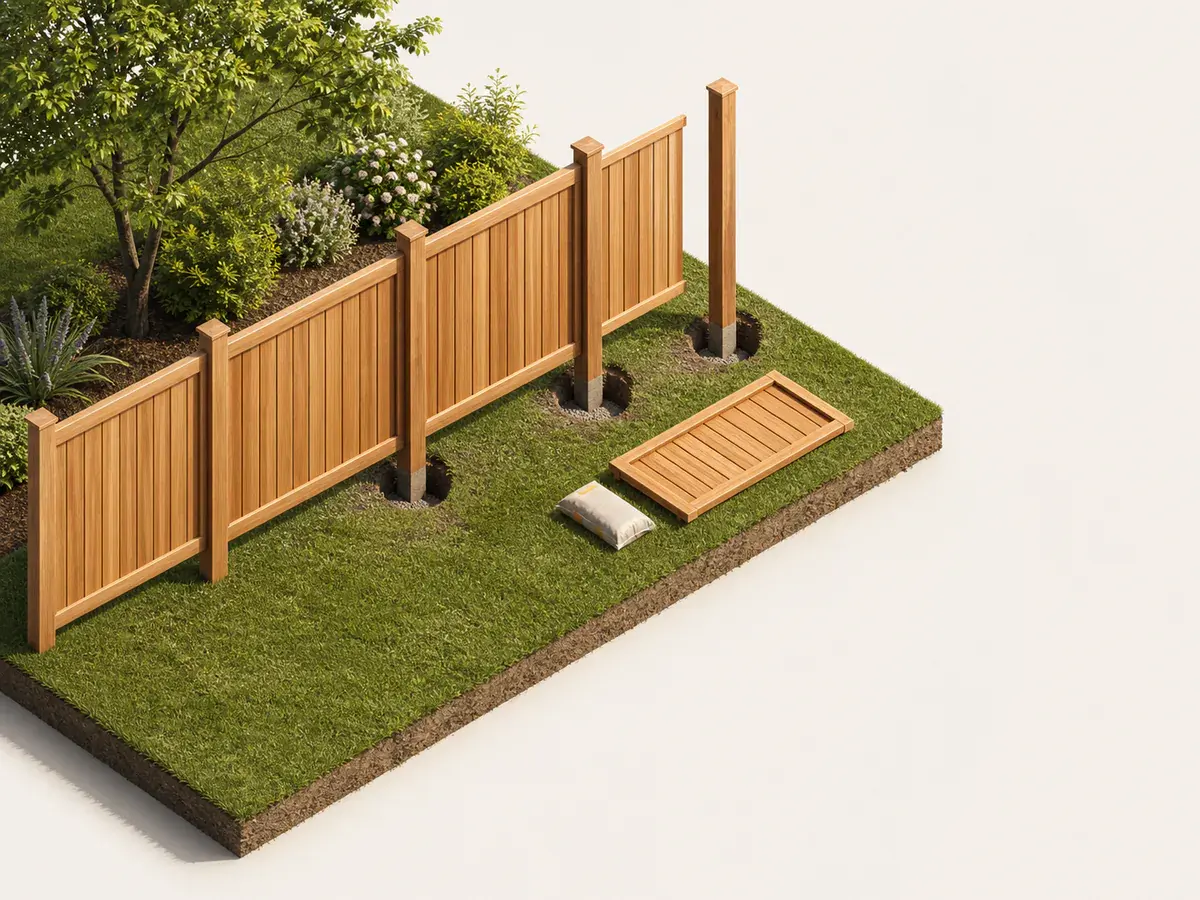
A measurement you can check
- 01
Confirm the intended line
Use survey information and local requirements to establish the project line; a fence calculator cannot determine a legal boundary or setback.
- 02
Split the perimeter into runs
Measure between every corner, end, elevation break and gate opening. Record slope and obstacles rather than combining the whole yard into one number.
- 03
Place gates and endpoints
Enter actual gate widths and identify latch, hinge and terminal posts. Gate openings reduce infill but can add stronger posts and hardware.
- 04
Reconcile panels and posts
Round panel quantities up within each run and count the post at every break. Decide how partial bays will be trimmed or evenly distributed.
What the measurement should represent
Dividing the total perimeter by panel width can place a full panel through a corner or gate.
Panel width is usually nominal; verify actual installed bay width, brackets and post dimensions.
- Confirm the intended line
- Split the perimeter into runs
- Place gates and endpoints
- Reconcile panels and posts
Turn dimensions into an order
Enter the verified dimensions in the Fence Calculator and keep every editable assumption visible. Use its result as the fencing planning baseline, then replace any default coverage, yield, density, package size or capacity with the value for the exact product you will actually buy.
Sloped sites may use stepped or racked panels and can change both visible gaps and material requirements.
Verify before purchase
Repeat the critical measurements and compare the sketch with the real fencing project. Confirm the selected fencing product instructions, site conditions and local requirements before committing to delivery or installation. The Fence Calculator can make the arithmetic consistent, but it cannot see hidden damage, access limitations or a design change.
What usually throws the order off
- Using the whole perimeter as one uninterrupted run
- Counting panels without corner and gate posts
- Assuming nominal panel width equals post-centre spacing
- Digging before utility locating and boundary checks
Frequently asked questions
Can I use one rough measurement for the whole fencing project?
Use a rough figure only for early budgeting. A purchase-ready estimate should separate zones, openings and details that change the fencing quantity or product.
Should I round every dimension up?
Record real fencing dimensions first. Add a transparent allowance after calculating its net quantity; rounding every input hides where overage came from and can compound the order.
Does the Fence Calculator replace product instructions?
No. It provides consistent fencing planning arithmetic. The selected manufacturer, supplier, installer and local requirements control final coverage, assembly and safety decisions.
Technical references
These references support the measurement and planning method. Product instructions, the site and applicable local requirements control the final installation.